Tooltip
A Tooltip component displays informative pop-ups when hovering or focusing on an element. Built on top of heroui-native Tooltip.
React Native components render to native views, so this is the component running in the example app, in the theme you are reading in.
9:41
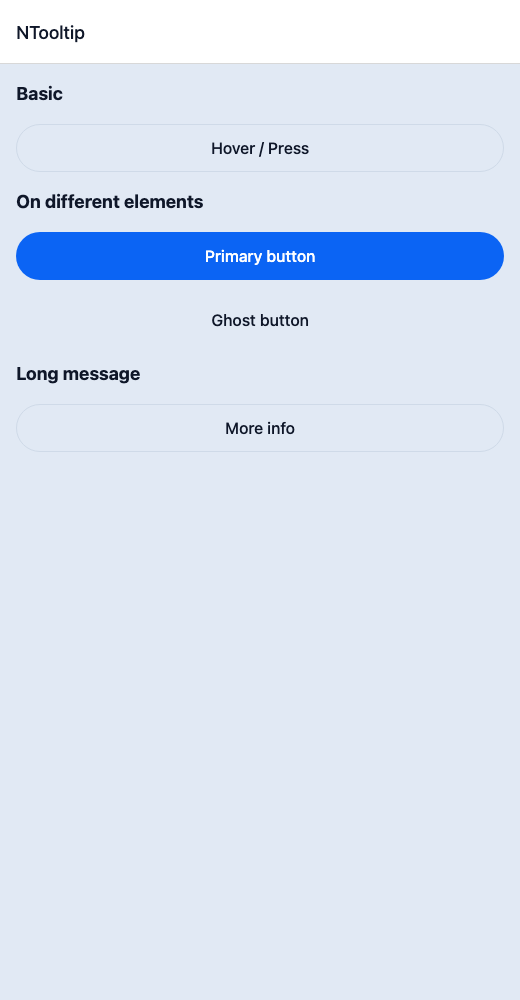
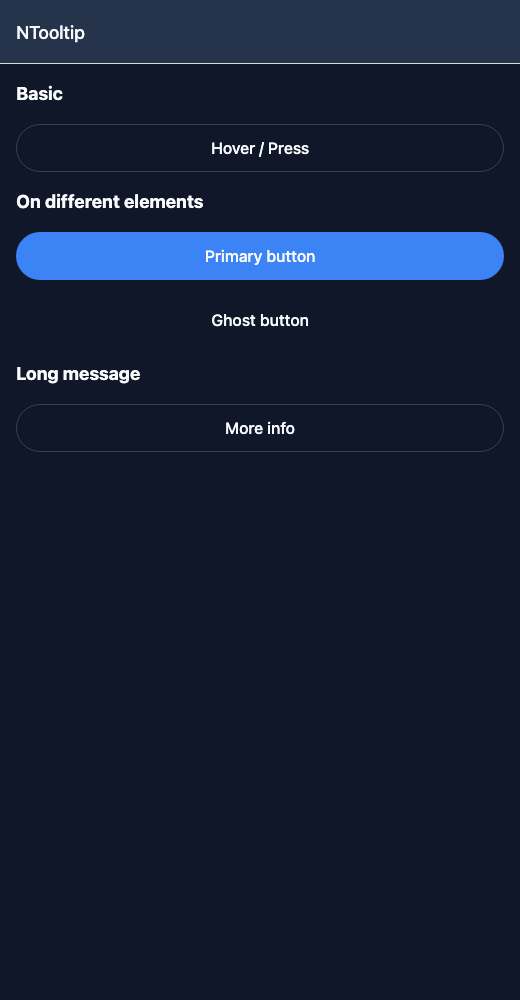
Tooltip.tsx
import { View } from 'react-native';import { NButton, NText, NTooltip } from '@nayan-ui/native';export default function TooltipScreen() {return (<View className="p-4 gap-4"><NText className="text-lg font-bold">Basic</NText><NTooltip message="This is a tooltip"><NButton variant="outline">Hover / Press</NButton></NTooltip><NText className="text-lg font-bold">On different elements</NText><NTooltip message="Button tooltip"><NButton>Primary button</NButton></NTooltip><NTooltip message="Ghost tooltip"><NButton variant="ghost">Ghost button</NButton></NTooltip><NText className="text-lg font-bold">Long message</NText><NTooltip message="This is a longer tooltip message that provides more context about the element it's attached to."><NButton variant="outline">More info</NButton></NTooltip></View>);}
| Name | Type | Default | Details |
|---|---|---|---|
| children | React.ReactNode | Required | Trigger element for the tooltip. |
| message | string | Required | Tooltip message text. |
| className | string | ' ' | You can customise tooltip content by passing tailwind classes. |
| textClassName | string | ' ' | You can customise tooltip text by passing tailwind classes. |
Other components solving nearby problems.