Card
A Card component displays content in a structured container. Built on top of heroui-native Card.
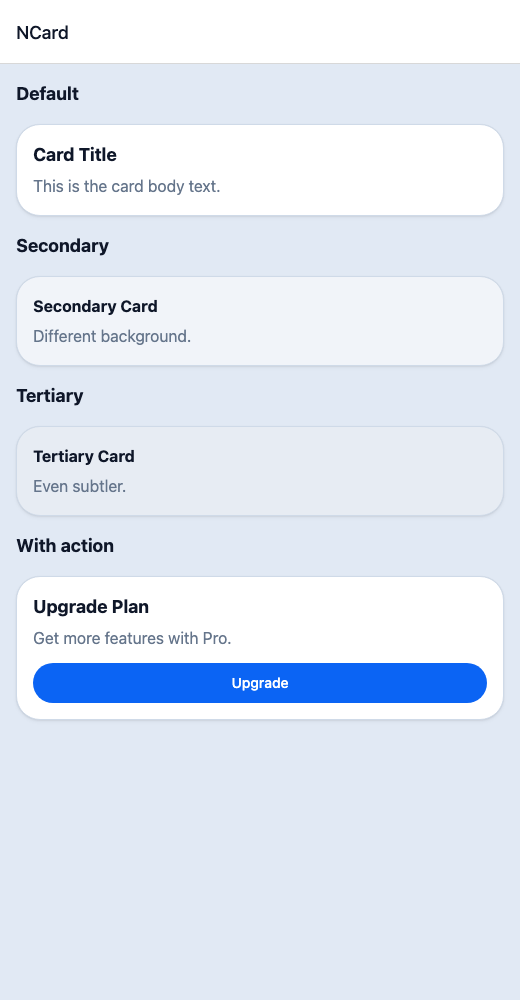
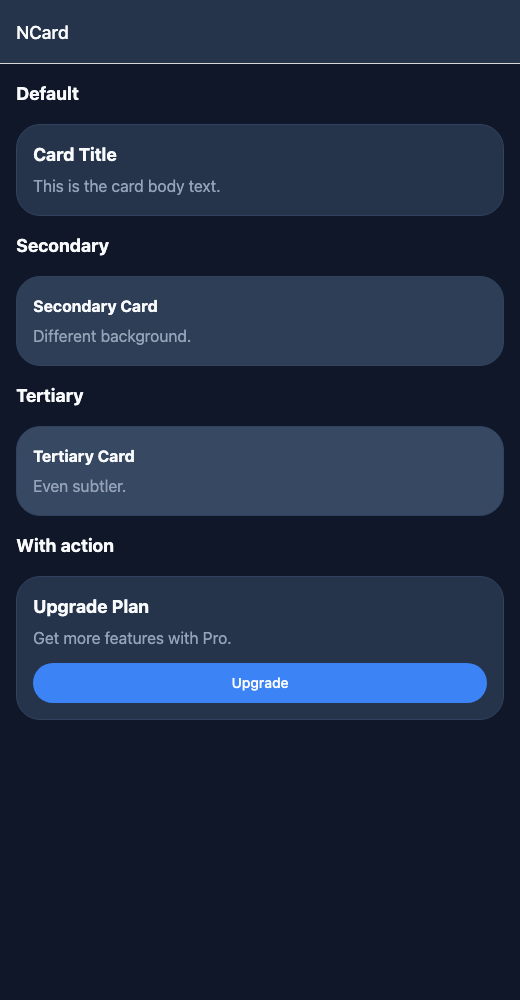
React Native components render to native views, so this is the component running in the example app, in the theme you are reading in.
9:41
Card.tsx
import { View } from 'react-native';import { NButton, NCard, NText } from '@nayan-ui/native';export default function CardScreen() {return (<View className="p-4 gap-4"><NText className="text-lg font-bold">Default</NText><NCard><NText className="font-bold text-lg">Card Title</NText><NText className="text-muted mt-1">This is the card body text.</NText></NCard><NText className="text-lg font-bold">Secondary</NText><NCard variant="secondary"><NText className="font-bold">Secondary Card</NText><NText className="text-muted mt-1">Different background.</NText></NCard><NText className="text-lg font-bold">Tertiary</NText><NCard variant="tertiary"><NText className="font-bold">Tertiary Card</NText><NText className="text-muted mt-1">Even subtler.</NText></NCard><NText className="text-lg font-bold">With action</NText><NCard><NText className="font-bold text-lg">Upgrade Plan</NText><NText className="text-muted mt-1">Get more features with Pro.</NText><NButton className="mt-3" size="sm" onPress={() => {}}>Upgrade</NButton></NCard></View>);}
| Name | Type | Default | Details |
|---|---|---|---|
| children | React.ReactNode | Optional | Card content. |
| className | string | ' ' | You can customise by passing tailwind classes. |
Other components solving nearby problems.
- React Native Card
- React Native Card Component
- React Native UI Card
- Mobile Card React Native
- React Native Card Library
- React Native Card View
- React Native Card Layout
- React Native Material Card
- React Native Card List
- React Native Card Grid
- React Native Product Card
- React Native Profile Card
- React Native Card Shadow
- Mobile Card Component
- Cross Platform Card
- Expo Card Component
- React Native Card Tutorial
- React Native Card TypeScript
- React Native Card UI