Dialog
A Dialog component displays a pop-up window for capturing user attention or input. Built on top of heroui-native Dialog.
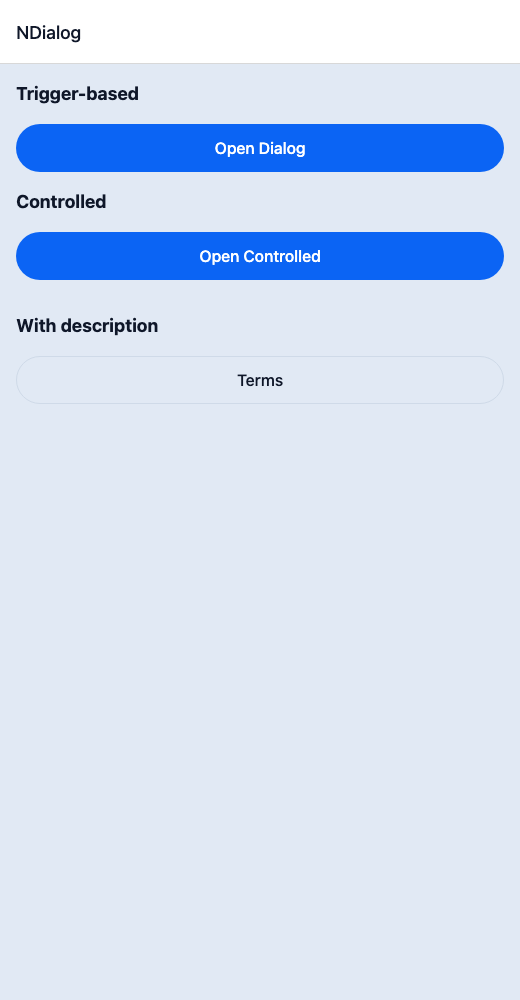
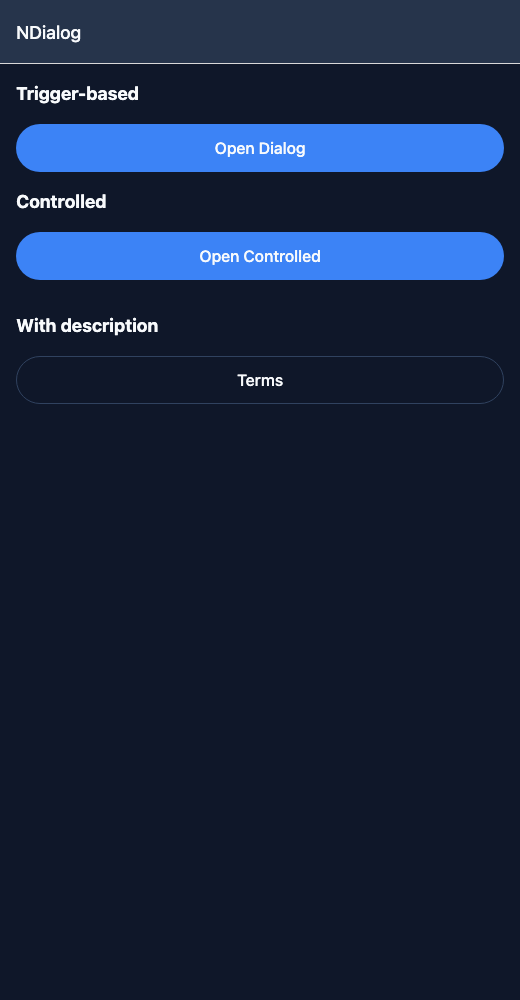
React Native components render to native views, so this is the component running in the example app, in the theme you are reading in.
9:41
Dialog.tsx
import { useState } from 'react';import { View } from 'react-native';import { NButton, NDialog, NText } from '@nayan-ui/native';export default function DialogScreen() {const [open, setOpen] = useState(false);return (<View className="p-4 gap-4"><NText className="text-lg font-bold">Trigger-based</NText><NDialog title="Welcome" trigger={<NButton>Open Dialog</NButton>}><View className=""><NText>This dialog opened from a trigger button.</NText></View></NDialog><NText className="text-lg font-bold">Controlled</NText><NButton onPress={() => setOpen(true)}>Open Controlled</NButton><NDialog title="Controlled Dialog" isOpen={open} onOpenChange={setOpen}><View className=""><NText>Controlled via isOpen / onOpenChange.</NText><NButton className="mt-3" variant="outline" onPress={() => setOpen(false)}>Close</NButton></View></NDialog><NText className="text-lg font-bold">With description</NText><NDialog title="Terms" description="Please read carefully." trigger={<NButton variant="outline">Terms</NButton>}><View className=""><NText>By using this app you agree to our terms of service and privacy policy.</NText></View></NDialog></View>);}
| Name | Type | Default | Details |
|---|---|---|---|
| title | string | Required | Title for the dialog. |
| description | string | Optional | Description text below the title. |
| children | React.ReactNode | Optional | Content for the dialog body. |
| trigger | React.ReactNode | Optional | Trigger element for the dialog. |
| isOpen | boolean | Optional | Controlled open state. |
| isDefaultOpen | boolean | Optional | Default open state for uncontrolled usage. |
| onOpenChange | (isOpen: boolean) => void | Optional | Callback when open state changes. |
| isSwipeable | boolean | Optional | Whether the dialog can be swiped to dismiss. |
| className | string | ' ' | You can customise by passing tailwind classes. |
| titleClassName | string | ' ' | You can customise title by passing tailwind classes. |
| contentClassName | string | ' ' | You can customise content by passing tailwind classes. |
| descriptionClassName | string | ' ' | Custom class for the dialog description. |
Other components solving nearby problems.
- React Native Dialog
- React Native Modal
- React Native Popup
- Mobile Dialog React Native
- React Native Dialog Component
- React Native Dialog Library
- React Native Alert Dialog
- React Native Confirmation Dialog
- React Native Modal Dialog
- React Native Popup Dialog
- React Native Overlay Modal
- React Native Bottom Modal
- React Native Fullscreen Modal
- Mobile Dialog Component
- Cross Platform Dialog
- Expo Dialog Component
- React Native Dialog Tutorial
- React Native Dialog TypeScript
- React Native Dialog UI